Instructions & briefs
Everything Kai writes is shaped by three layers of instructions, from broad to specific. Understanding which layer owns what is the key to getting consistently on-brand output without repeating yourself.
The three layers
- Layer 1: Platform rules. Non-negotiable writing rules maintained by the Kai team that apply to every workspace and every campaign, things like formatting standards and quality guardrails. You never edit these; they are the floor under everything.
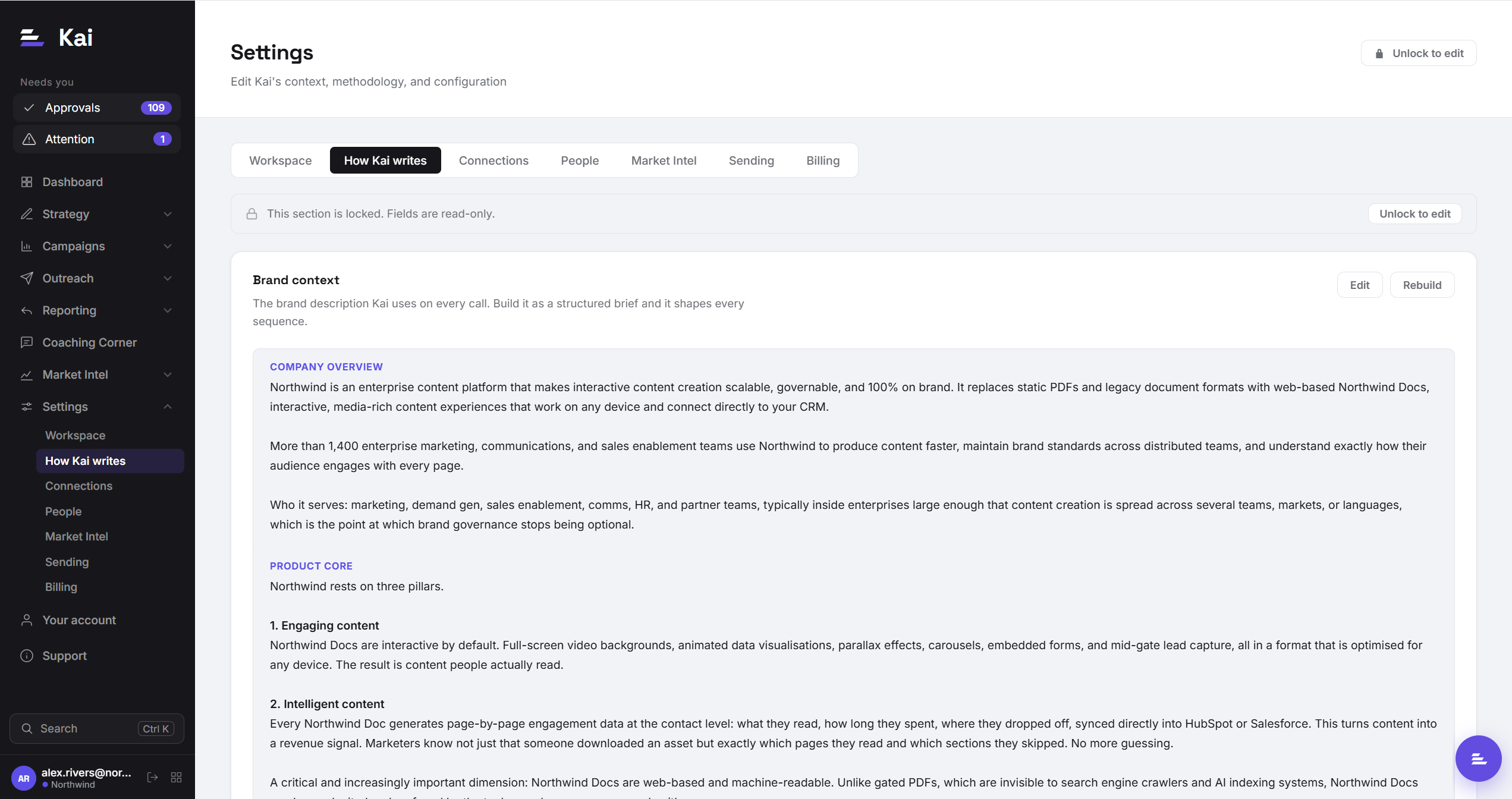
- Layer 2: Workspace instructions. Your company's voice. This is the Instructions tab in Settings: your brand context (what your company does, how it positions, proof points) and your call methodology. Everything here applies to every campaign in the workspace.
- Layer 3: Brief. The specific angle of one campaign: the offer, the moment, the lead magnet, the proof points that matter for this audience. Written in the campaign editor when you create the campaign.
When Kai writes a sequence for a contact, it stacks all three layers, plus the account research and your persona focus, into a single generation. Later layers add specificity; they do not override the layers above.
What belongs where
The practical rule: put each instruction at the highest layer where it is always true.
- "We never bash competitors by name" is true for every campaign → workspace instructions.
- "Lead with the Q3 benchmark report as the hook" is true for one campaign → campaign brief.
- If you find yourself copying the same sentence into every campaign brief, promote it to workspace instructions.
Editing workspace instructions
Settings → Instructions. The brand context field is the description Kai uses on every generation, so treat it as a living document: when your positioning shifts, update it here once and every future sequence reflects it. The call methodology lives on the same tab and shapes the call briefs Kai writes for call steps.
Editing campaign briefs
Open the campaign and edit its brief in the settings panel. Changes affect sequences generated after the edit; already-generated sequences waiting in Approvals keep the text they were written with (regenerate them if the brief change matters).