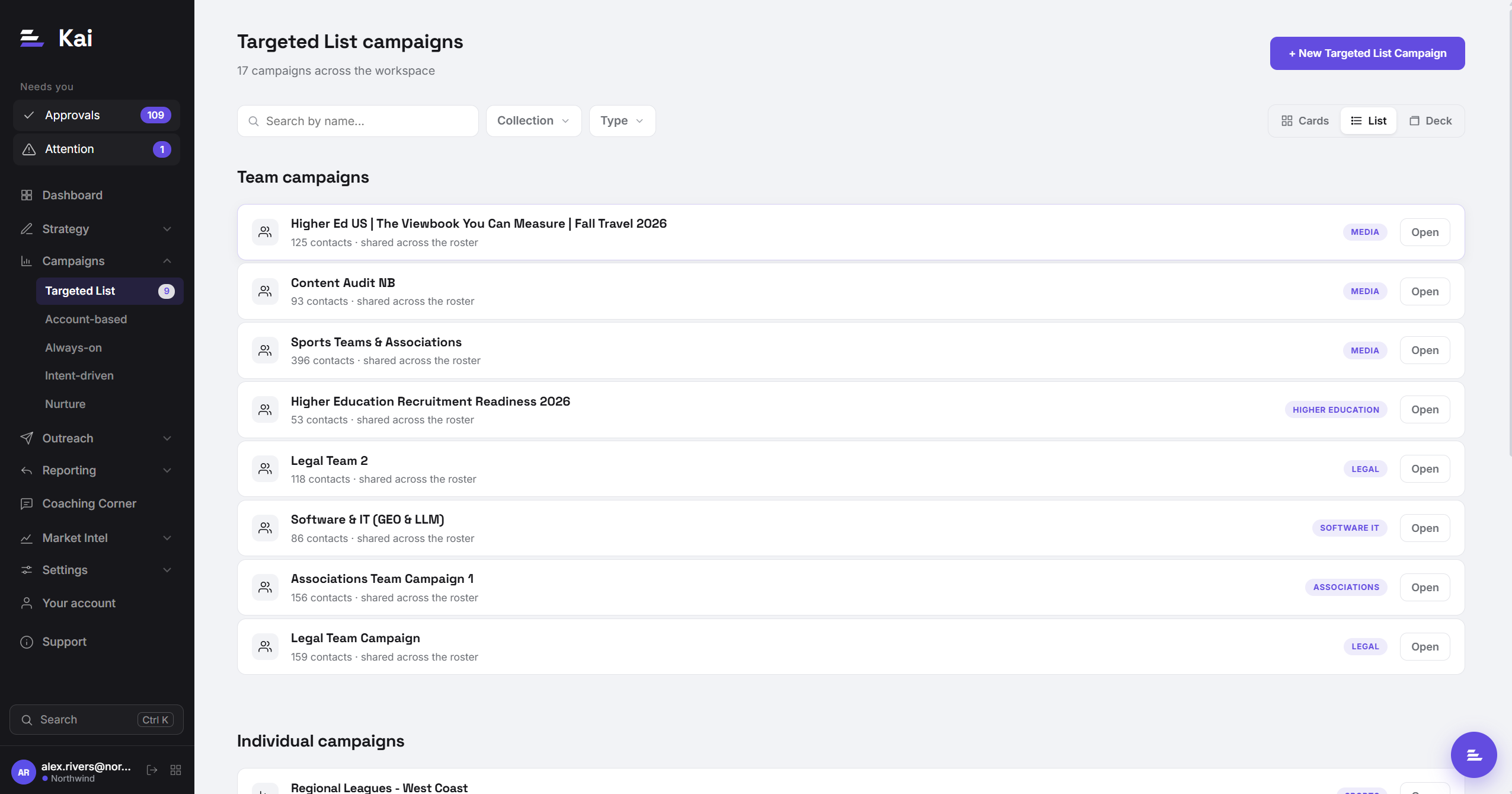
Targeted List campaigns
A Targeted List campaign runs a defined list of contacts through a personalised outreach sequence. You provide the list, Kai researches and writes every sequence, you approve, and it executes. This is the standard starting point for most teams.
When to use Targeted List
Targeted List is the right campaign type when you have a specific list of people you want to reach in a defined window. Examples include a target account list for a product launch, a vertical push for Q3, a list of conference attendees, or a set of accounts that went dark and need a re-engage touch.
The key characteristic of a Targeted List campaign is that the contact list is fixed at upload time. Kai works through the list, writes sequences, you approve and push, and the campaign runs until the list is exhausted. It does not source new contacts automatically. For that, see Always-on campaigns.
Contact sources
Targeted List campaigns support two ways to get contacts in:
- CSV upload. Export your list from Clay, Apollo, HubSpot, or any other tool, and upload the file directly. See Uploading contacts for column requirements and intent data handling.
- Platform source campaign pull. If your contacts already exist in a campaign in your outreach platform, you can pull them directly by setting a platform source campaign ID in the campaign settings and clicking Sync. This brings over the contact data without requiring a CSV export.
The pipeline flow
Contacts enter with Pending status. No research has started yet.
Click Run. Kai works through each Pending contact: crawl the company website with Firecrawl, read the contact's profile, distil the research with Claude, write the personalised sequence.
Generated sequences appear in the Approvals tab. Review each one, edit if needed, and approve. Nothing goes to your outreach platform until you approve.
Approving pushes the contact into your sequence in your outreach platform immediately. The personalised copy is injected as custom variables and the sequence starts running on its configured schedule.
Re-running contacts
If a contact's sequence was rejected or needs to be regenerated, click Run on the individual contact row. Kai will re-research and rewrite from scratch. If the company website has been updated since the first crawl (Firecrawl caches crawls for 24 hours), the new sequence will benefit from fresher data.
Campaign reporting
The Reporting tab shows sends, opens, replies, and handraiser rate for the campaign. The AI Analysis tab shows Kai's synthesised findings from the week's activity, including which angles are performing and what it recommends changing. Both update as the campaign runs.